


Shopping Lists and Offers
Reusable shopping lists, quote requests straight from the cart and negotiated offers that apply automatically at checkout. B2B buyers order faster, and you keep prices under control.

About the module
The module gives B2B buyers shopping lists, merchant offers with negotiated prices, quick order and customer product codes. Company members keep reusable lists and request a quote straight from the cart. The merchant responds with an offer whose agreed prices apply in the cart, at checkout and in the order for as long as the offer is valid.
Compatibility
The Shopping Lists and Offers module is part of Satisfly B2B Suite. It works with version 2.4.7 and later, is compatible with Mage-OS and Magento Open Source, and works with popular themes such as Hyvä and Luma.
How it works
-
Shopping lists
Company members save their cart or selected products to private lists or to lists visible to the whole company. They add an entire list to the cart in one step. Access to lists depends on the member’s role in the company.
-
Quote requests
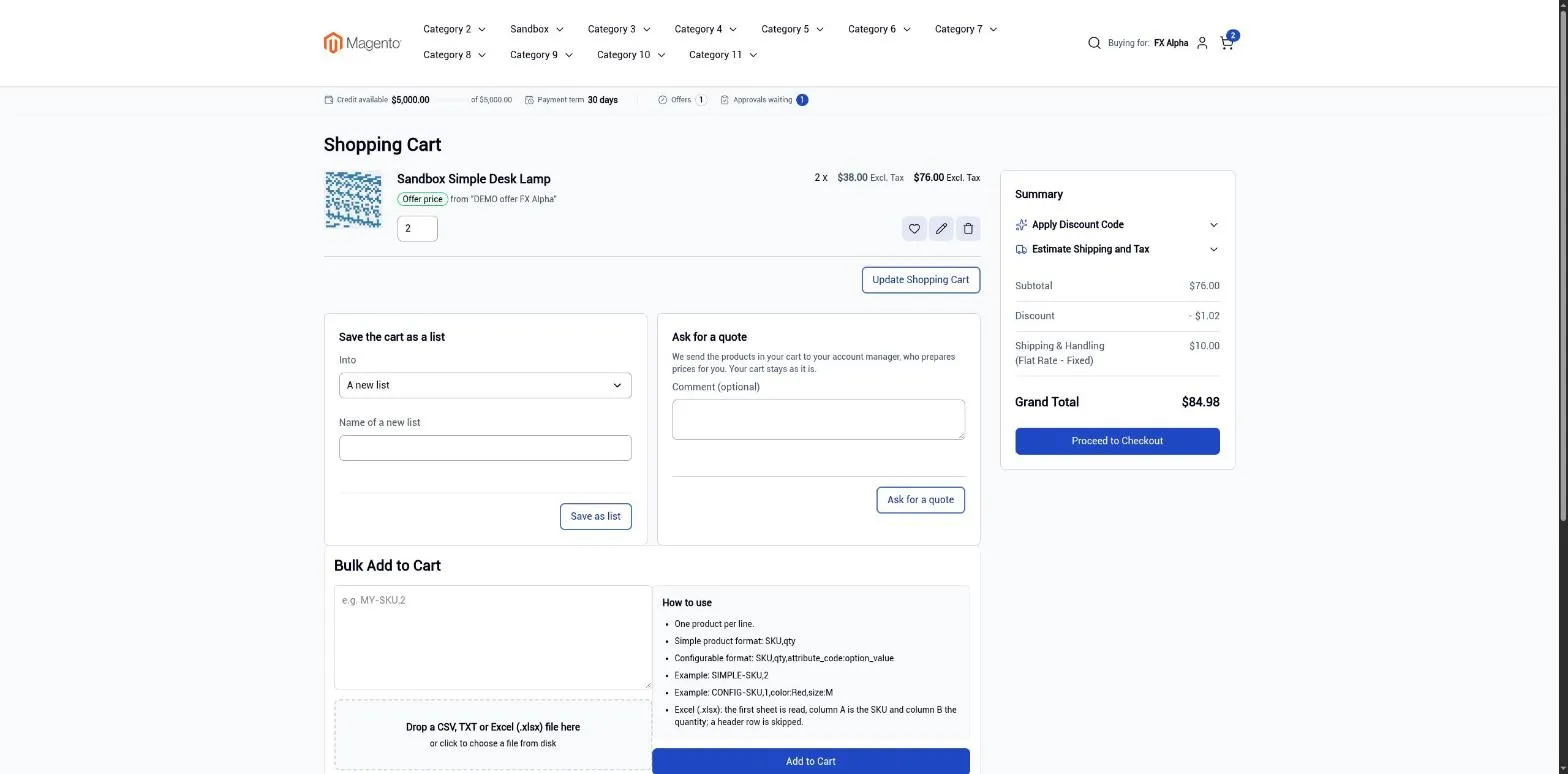
The “Ask for a quote” button copies the cart into a quote request and leaves the cart itself unchanged. The merchant prices the request in the admin and activates it as an offer.
-
Offers with negotiated prices
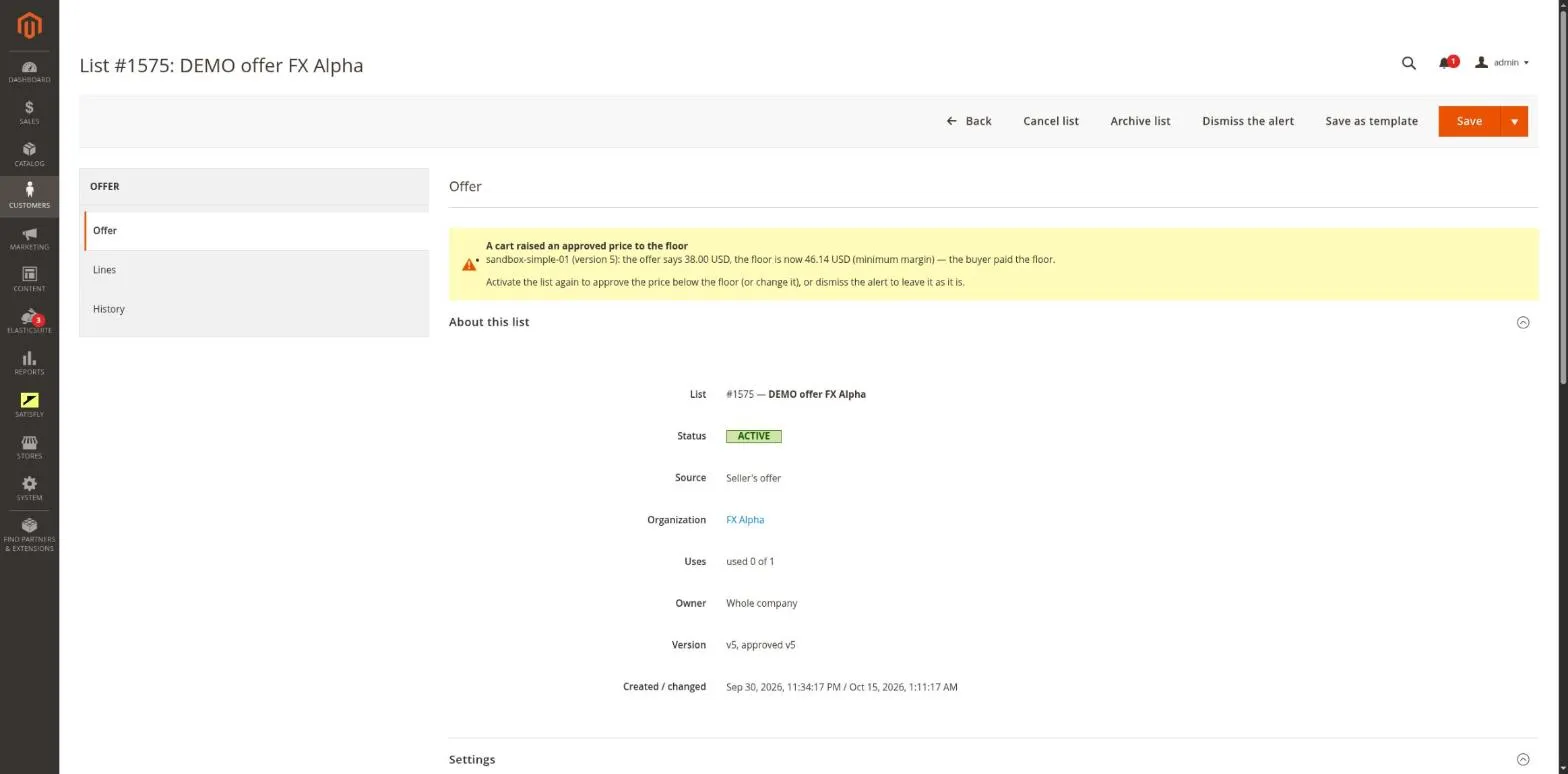
Each offer item has its own price and an optional quantity range. An offer has an expiry date, a maximum number of uses and a minimum order value. The price cannot drop below the product’s price floor without approval from an admin user with an additional permission. Offers can be created from templates.
-
Quick order
The buyer pastes or uploads rows with a product code and quantity, reviews them and adds them to the cart. Both SKUs and the customer’s own codes work.
-
Customer product codes
Each company can have its own item numbers for products. You enter them in the admin, import them from CSV or send them through the API. Typing an exact code into the catalog search takes the buyer straight to the product.
-
Emails and alerts
The module sends notifications about quote requests, offer activation, changes awaiting approval, prices raised to the price floor and offers that are about to expire. A message in the admin shows the number of price floor alerts.
-
Admin console
An admin user can act as a company member: add a list to the cart, request a quote, load a list into an admin order and check a quick order without placing it.
-
REST and GraphQL
REST supports offers and customer product codes, and GraphQL supports shopping lists and quote requests.
Merchant
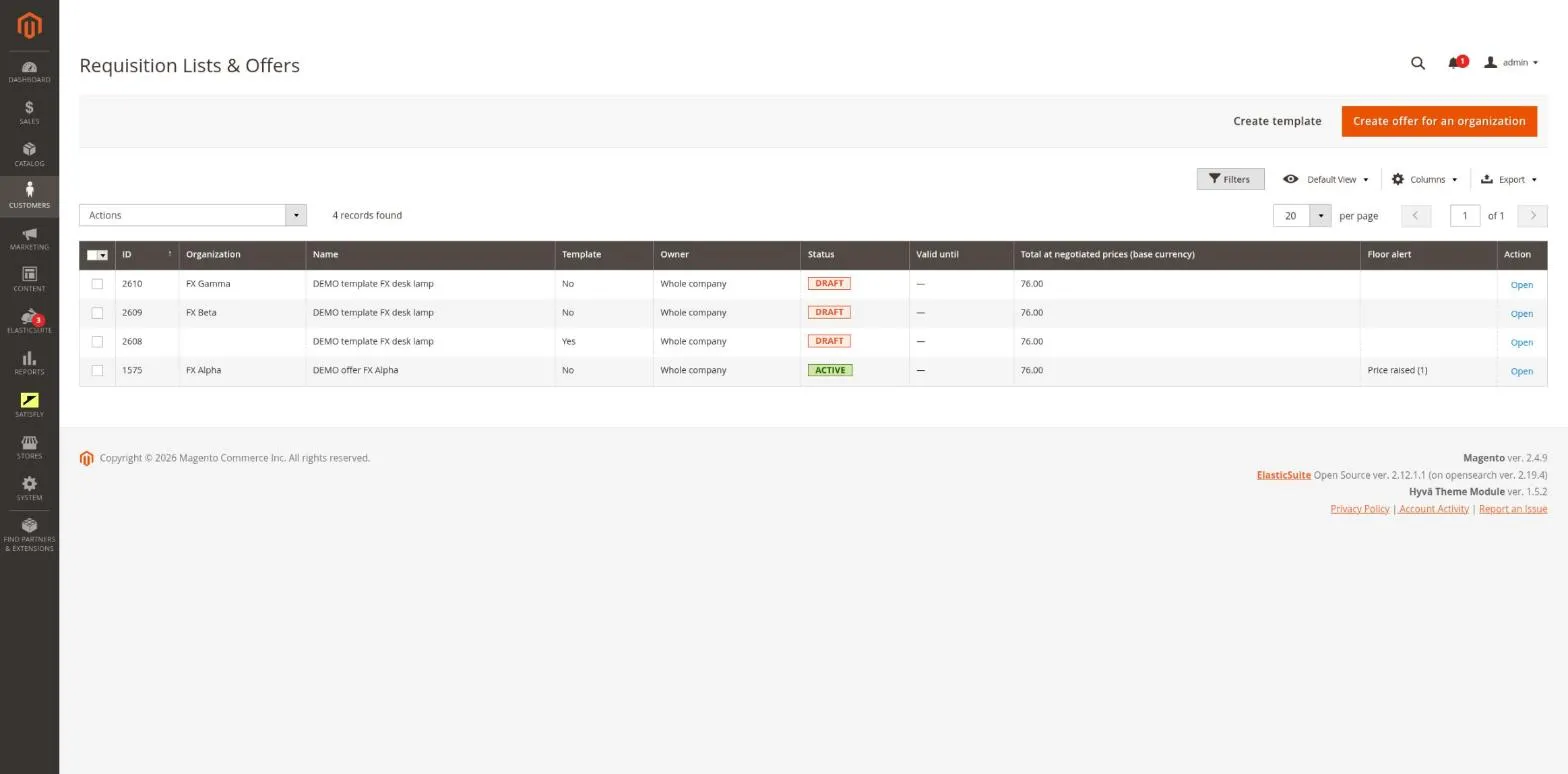
The merchant opens Requisition Lists & Offers and creates an offer for an organization. They add items with a negotiated price and see the current Magento price and price floor next to each one. They set the validity, number of uses and minimum order value, then activate the offer. Quote requests from buyers land on the same list: just take the request into a draft, price it and activate it.
Buyer
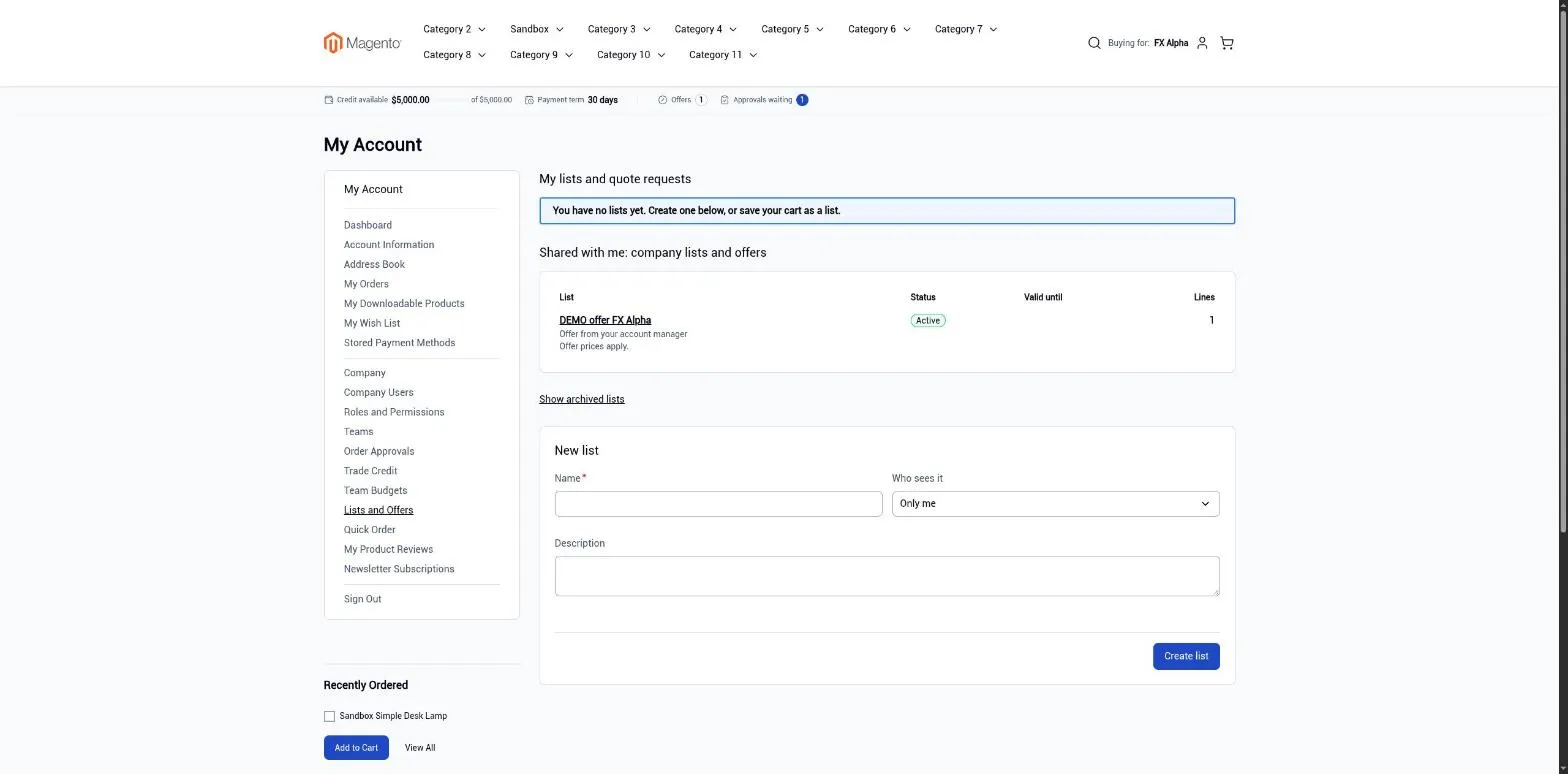
In My Account > Lists and Offers, the buyer sees their lists and the offers prepared for the company. In the cart, prices from an offer are marked as “offer price”. When an offer stops applying (it has expired, been used up, is waiting for changes to be approved, or the quantity falls outside the range), the item returns to the regular price and a message explains why. In My Account > Quick Order, the buyer can enter rows in the format ABC-123, 4.
Notes and limitations
What to know before you roll out shopping lists and offers.
-
 A list holds one item per product, and a configurable product is added as the selected variant
-
Dynamic bundles and products with paid custom options cannot be priced in an offer
-
Negotiated prices are stored in the website’s base currency and converted at the cart’s exchange rate
-
An offer use is counted when the order is placed and returned if the order is canceled or not created
-
Customer codes are case-insensitive (this depends on the database collation)


